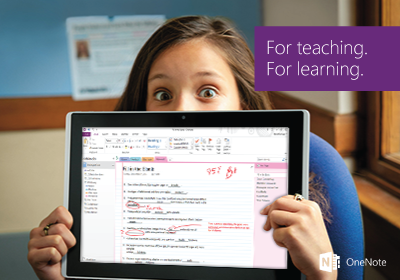
ادغام کتابچه صنف OneNote با یک LMS

کتابچه صنف OneNote با استعمال یک استندارد رایج که «تبادله متقابل اسباب یادگیری» (LTI) مسمی میگردد، با سیستم مدیریت یادگیری تان کار کرده میتواند.

برای ایجاد یک کتابچه شریک شده و پیوند دادن آن به کورس تان، کتابچه صنف OneNote را همراه LMS استعمال نمایید.
ادغام کتابچه صنف OneNote با یک LMS
آغاز کردن
Important: The classic Microsoft OneDrive, OneNote Class Notebook, Teams Assignments, and Reflect LTI apps have been replaced by the new Microsoft 365 LTI.

The classic apps will be sunset on September 17, 2026. After that date, the classic apps and any content links in courses will stop working; however, the files, notebooks, teams, meetings, and check-ins created by the classic apps will continue to be accessible through Microsoft 365. For guidance on moving your users and courses to the new Microsoft 365 LTI experiences and migrating content links, please review the migration guidance for the classic LTI apps.
برای آغاز کار ضرور استکه LMS تان را در OneNote راجستر نمایید.
برای آغاز کار با استعمال حساب Office 365 از مکتب تان به سیستم وارد شوید.